Case study / Our creator toolkit
The details make the stream yours.
GiftDeck brings the visual layer of your LIVE into one focused workspace. Personalize your deck, connect your overlay, and keep your controls close.
- What it is
- A browser-based gift overlay and win counter
- Where it runs
- OBS or TikTok LIVE Studio, as a browser source
- Controls
- A control view on another device
- Access
- Approved creators, in the dashboard

Small controls. Visible impact.
Switch the theme and try the win counter. This demonstration shows the idea; approved creators can customize their real overlay in the dashboard.
 Show some love
 Bring the energy
 Own the moment
The need. The approach. The product.
The need
Make a stream feel personal.
A creator’s on-screen graphics should feel like part of their content. GiftDeck gives creators control over their gift display and stream presentation.
The approach
Keep the setup connected.
The dashboard brings editing and overlay links together. Creators can add their display to broadcasting software as a browser source.
The product
Bring the controls along.
A dedicated control view lets creators manage their counter from another device, while the display stays focused on the audience.
This is a product walkthrough, with no audience-growth or revenue claims.
Ready to ride with us?
Get started with DRVN Empire in two easy steps.
Your manager: Zeph
Scan the QR code, or tap Apply now to open DRVN Empire’s Creator Network page in TikTok.
- Open TikTok
- Profile
- Add friends
- Scan
Review the network information and follow the application steps in TikTok.
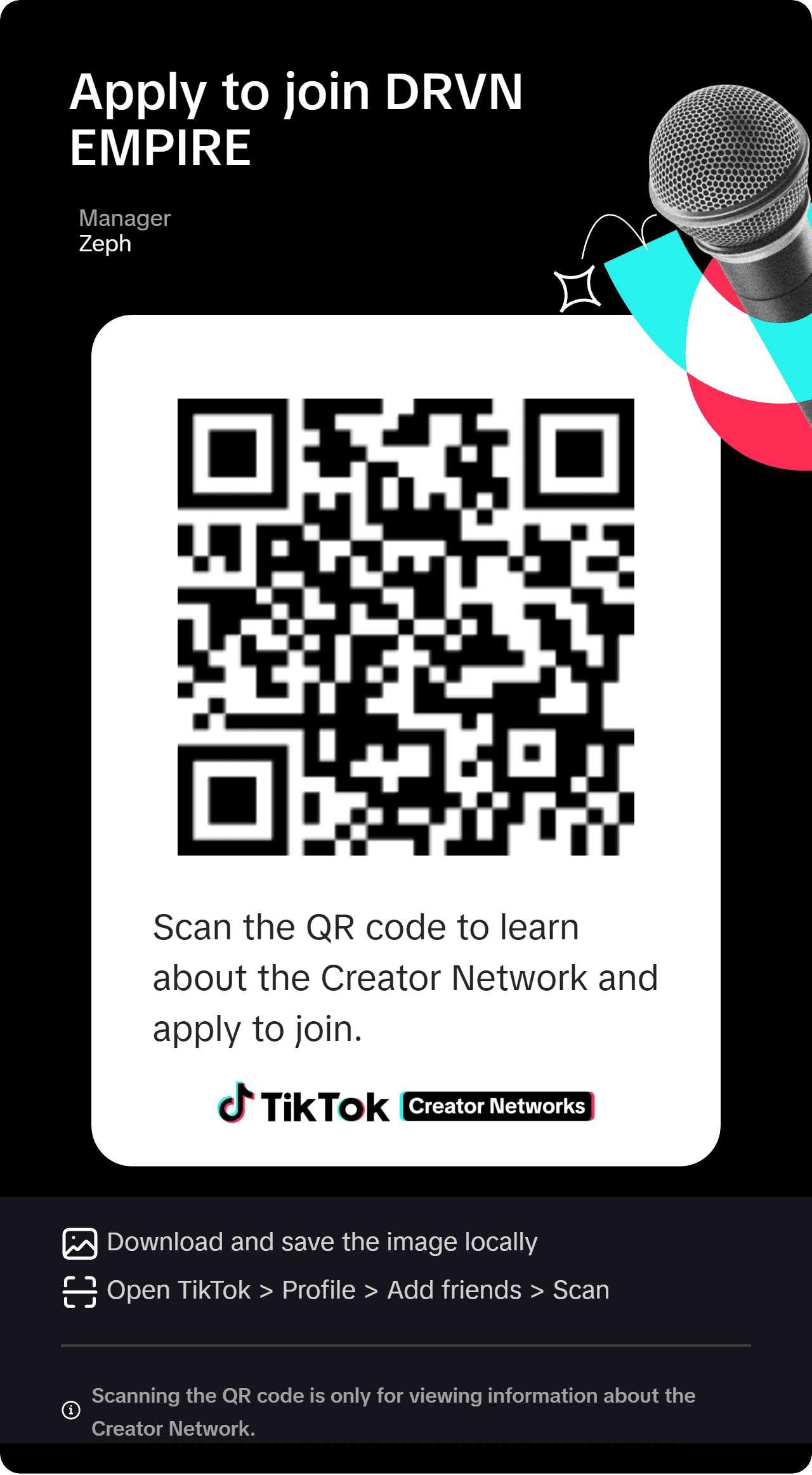
Scanning the QR code is only for viewing information about the Creator Network.
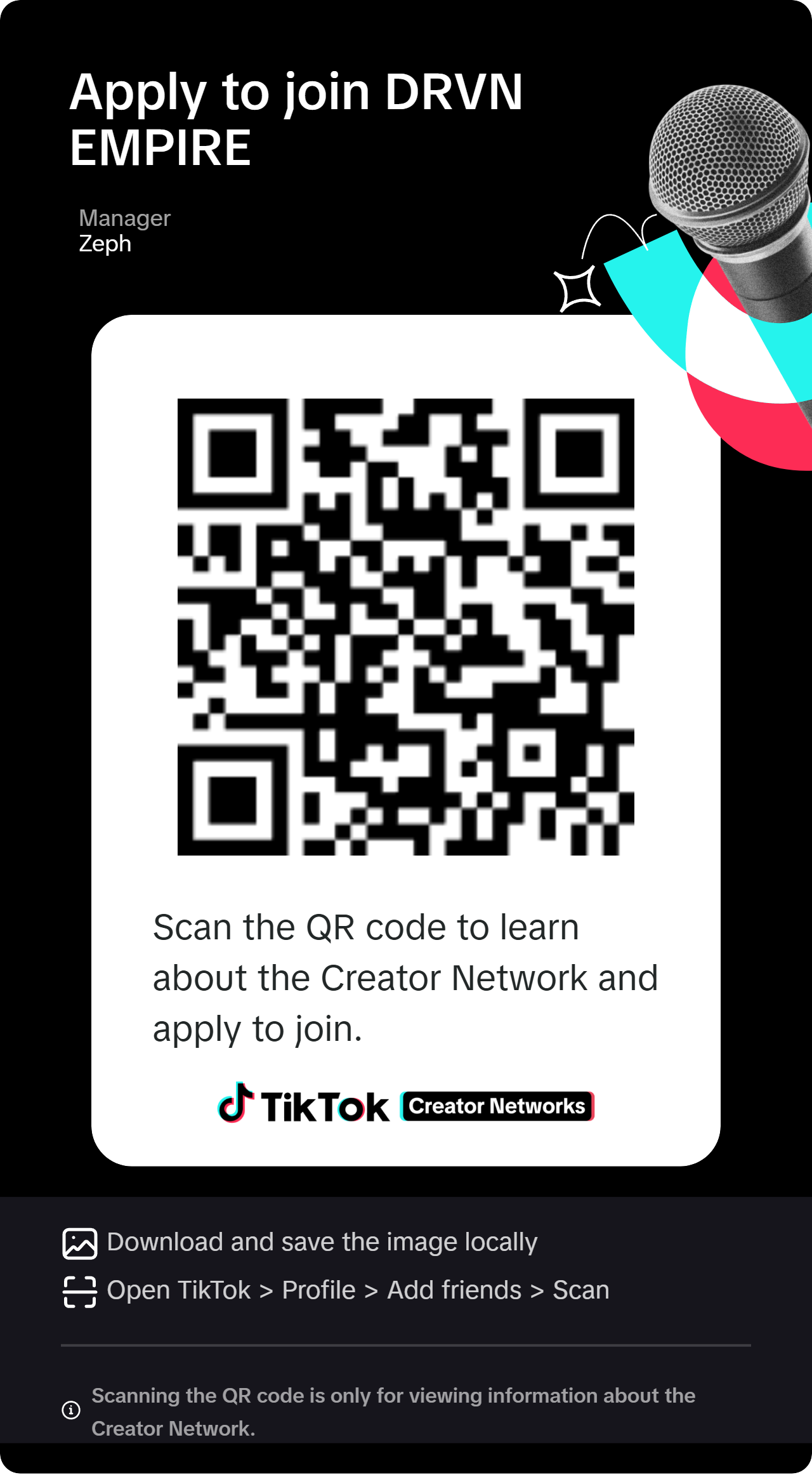
On your phone? Tap the card or the button to go straight to TikTok.
- Official TikTok LIVE partner
- US and Canada