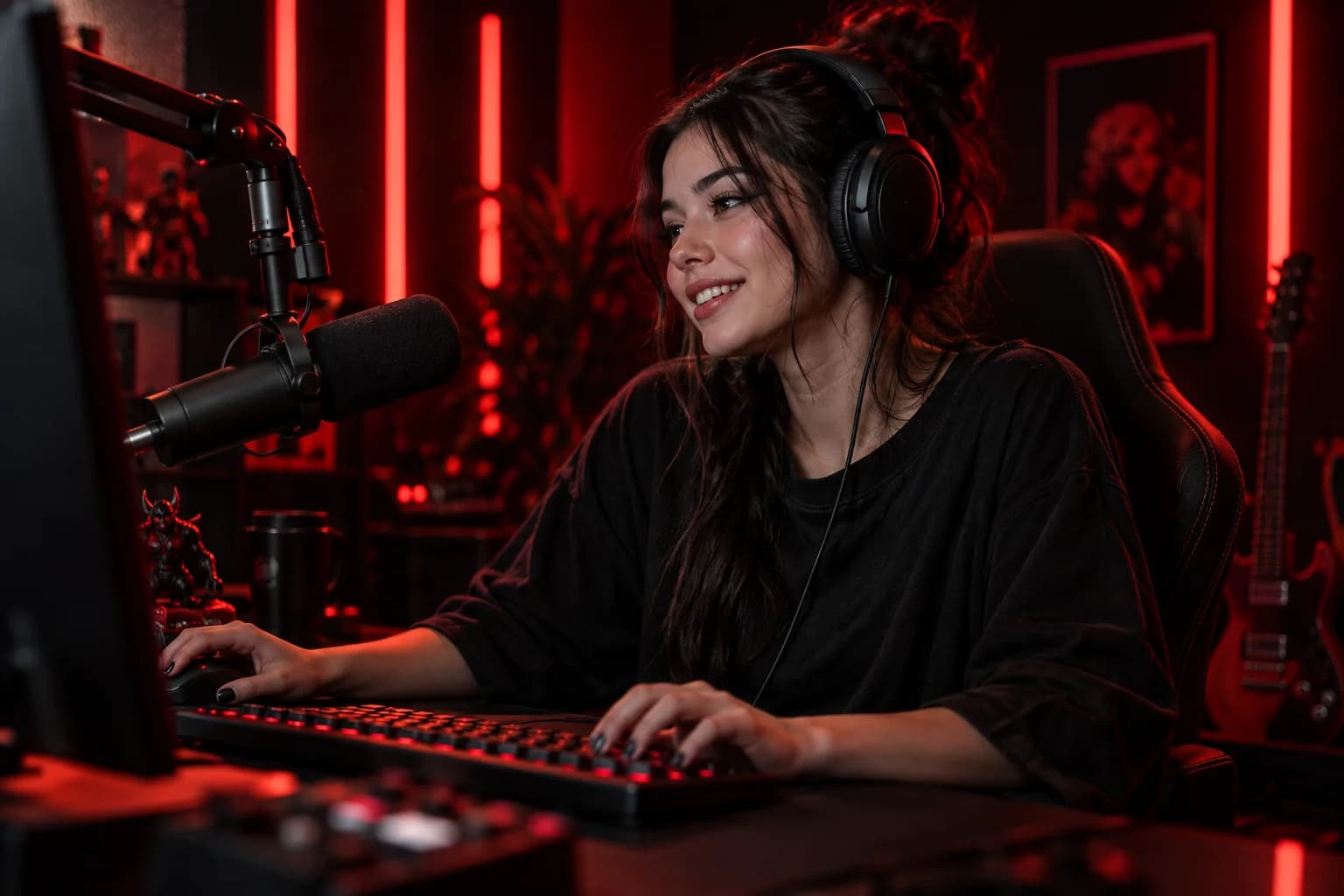

Start with one clear idea
Give your stream a simple promise: a game you will play, a skill you will demonstrate, or a topic you will explore. A focused starting point makes it easier for someone new to understand why they should stay.
Write a one-sentence opening you can return to throughout the stream. People arrive at different times, so a warm reintroduction is more useful than a long introduction that happens only once.
Make a short test recording
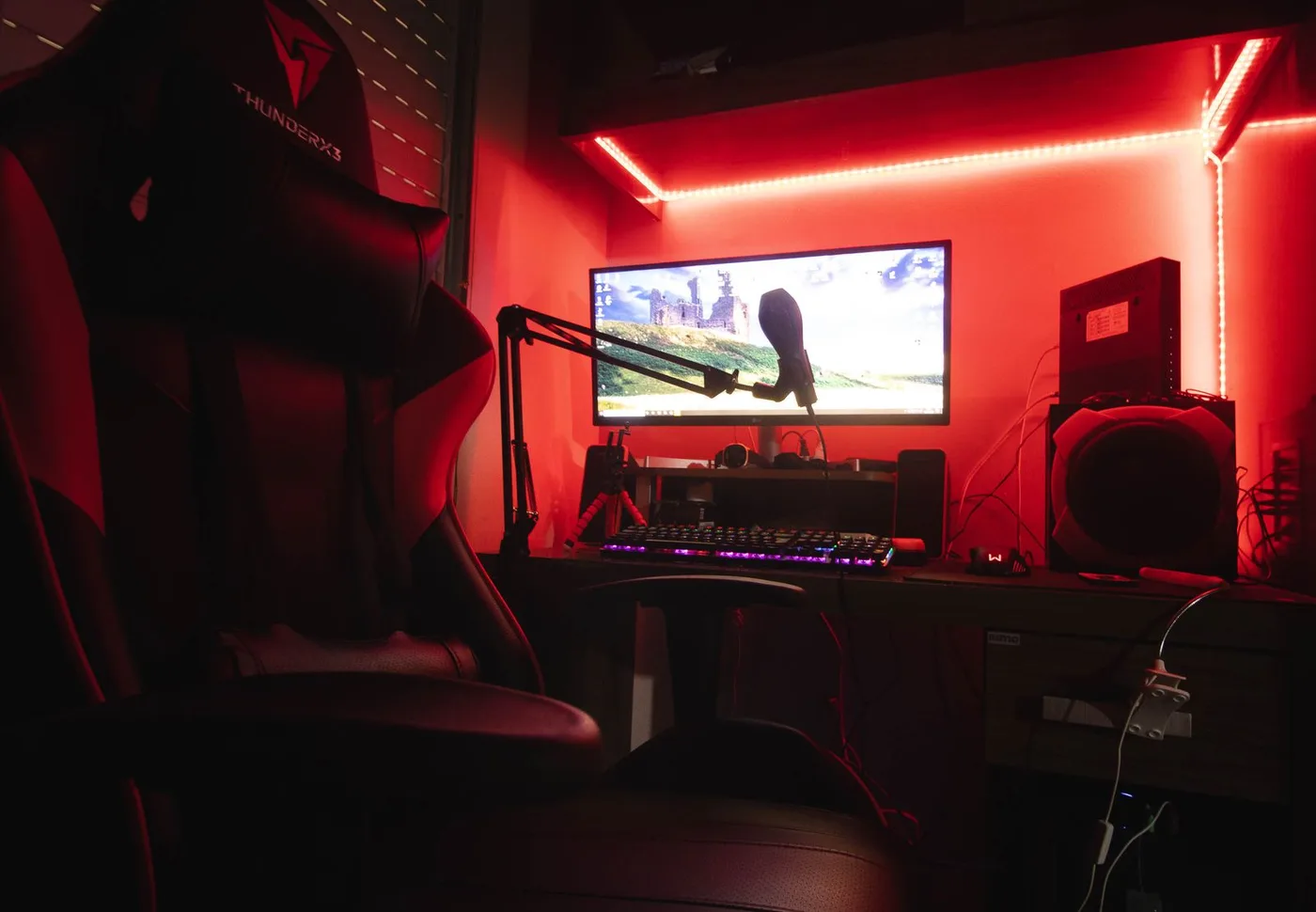
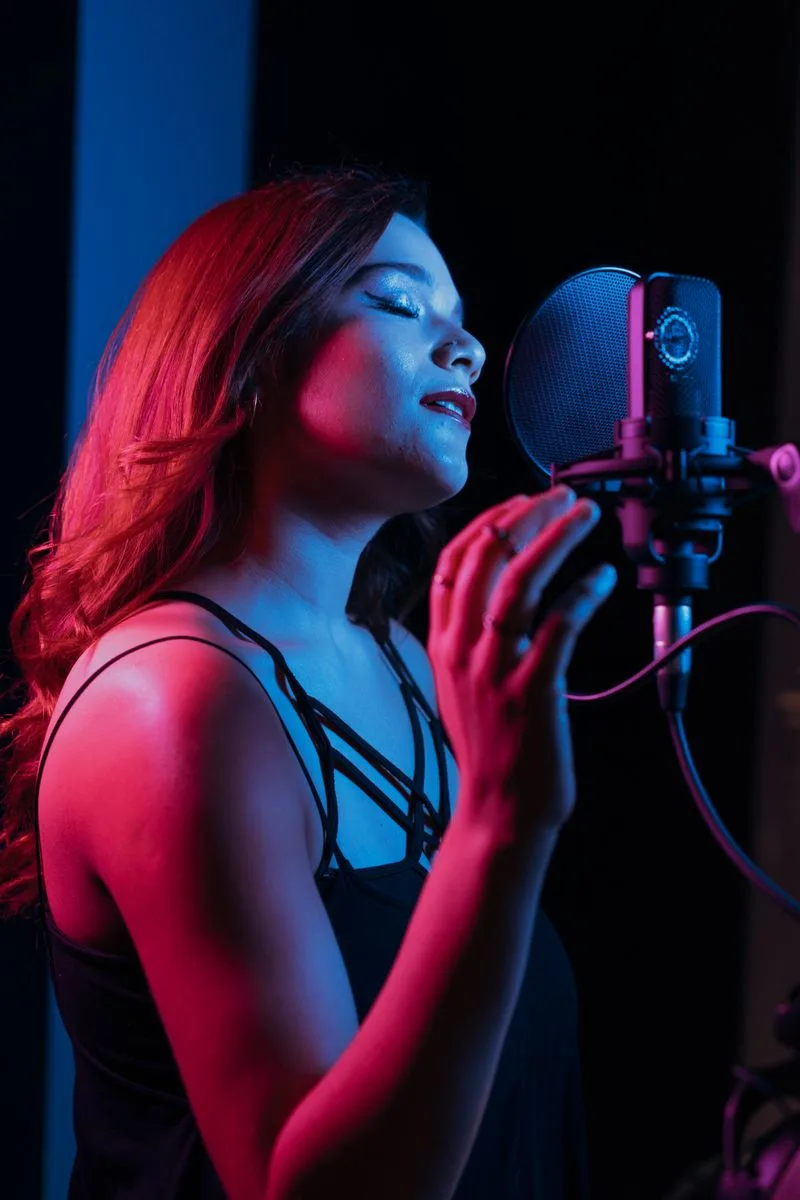
Listen to your microphone with headphones. Check that your voice is easy to understand and that music does not drown it out. Look at the frame on a phone-sized screen before changing your equipment.
- Check your background for private information.
- Put your main light in front of you.
- Silence personal notifications.
- Test your internet connection and charging cable.
Plan for a quiet chat
Prepare three things you can talk about without waiting for a comment. Narrate your choices, tell a short story, or explain what you are doing. Ask specific questions that are easy to answer.
End by telling viewers what you plan to do next time. After the session, write down one thing that felt natural and one thing to try differently.
Check your account access
LIVE availability and eligibility depend on TikTok and your region. Check the LIVE tools available in your own account and the current TikTok Help Center before planning your first broadcast. Joining an agency does not guarantee eligibility.
Platform access reference: TikTok Help Center (opens in a new tab)

Put it into practice.
Pick one idea from this guide and try it on your next LIVE.
Back to the hub