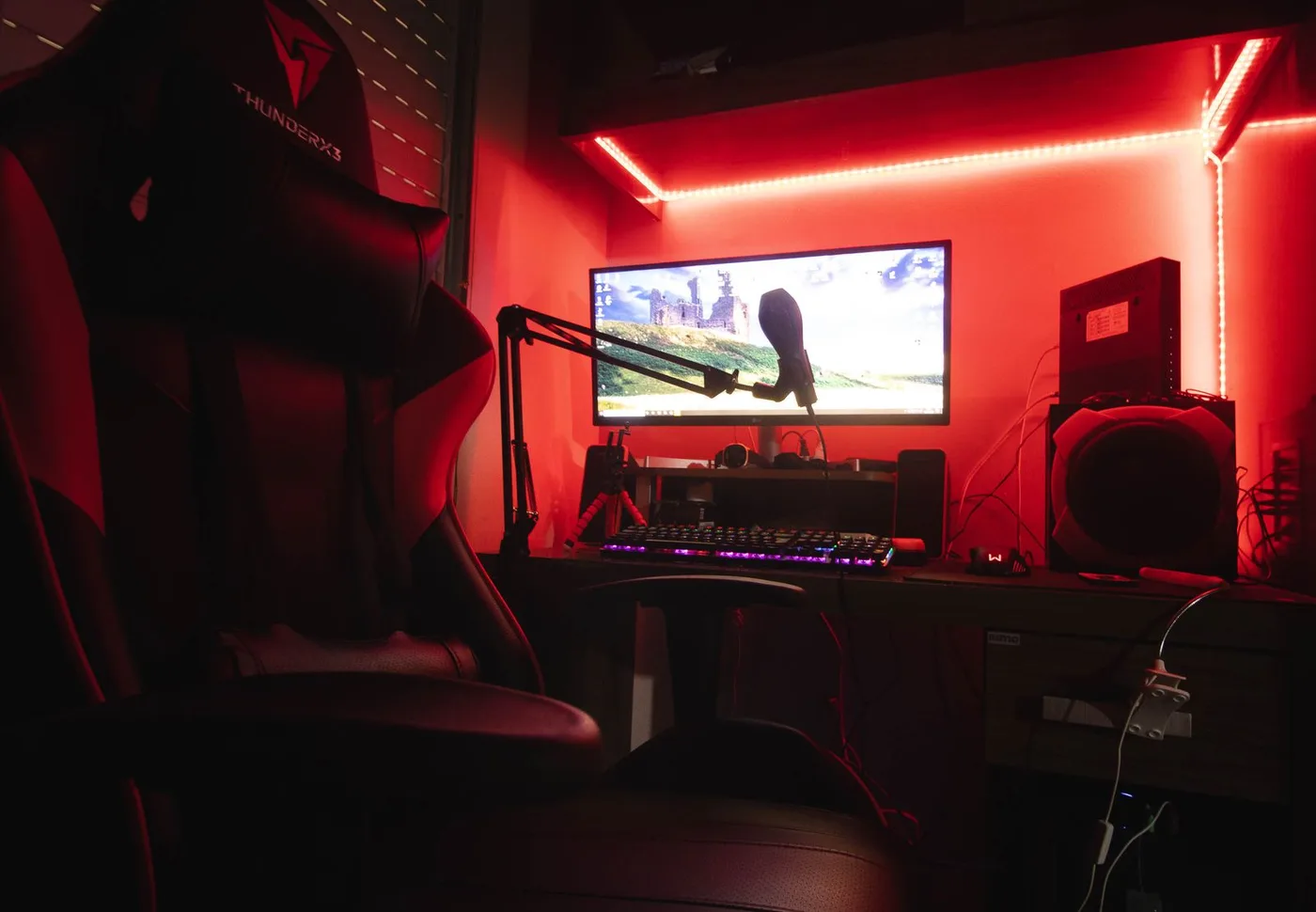

Check what viewers will see
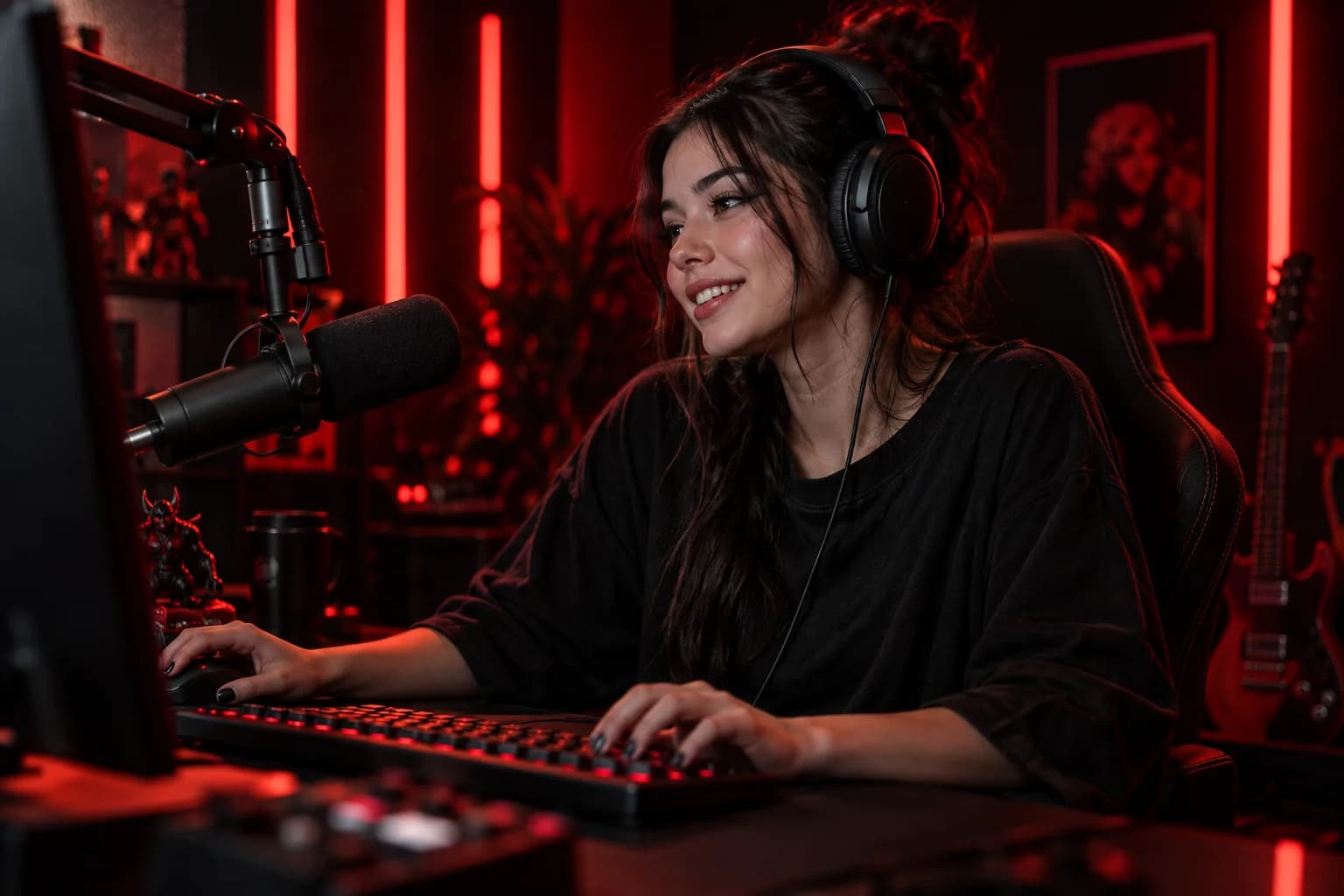
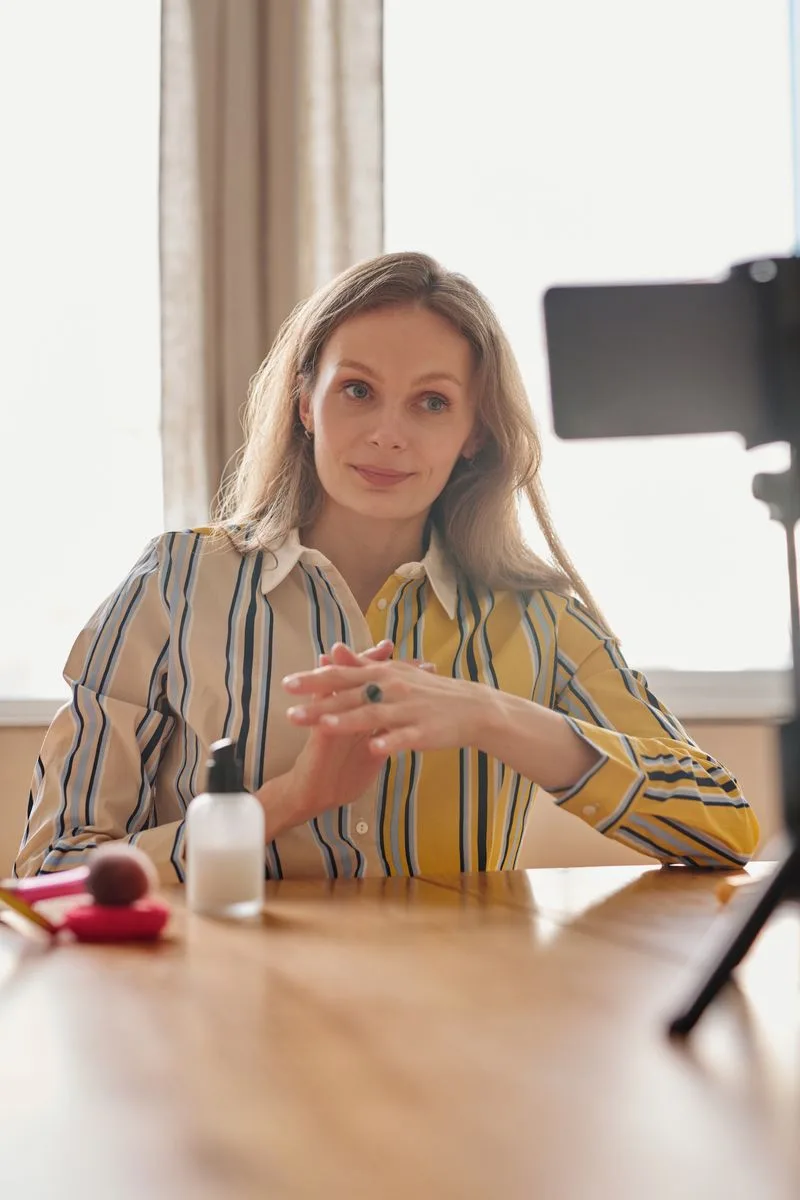
Preview your scene on a small screen. Open the right game or application, check your camera crop, and make sure overlay text is readable.
- Hide personal tabs, documents, and notifications.
- Check your lighting and background.
- Confirm that the right overlay deck is selected.
- Keep an alternate scene ready for interruptions.
Check what viewers will hear
Speak at your normal volume, then test a louder reaction. Make sure your input is the intended microphone and that other sound sources do not overpower it.
- Listen to a short recording.
- Use headphones to avoid feedback.
- Check game and music levels.
- Make sure your microphone is not muted.
Know your first five minutes
Write down your opening idea, one easy audience question, and the first activity. Keep a drink nearby and leave your notes where you can glance at them.
After the stream, save one useful lesson for next time. A short repeatable routine is easier to maintain than a perfect setup you have to rebuild every day.

Put it into practice.
Pick one idea from this guide and try it on your next LIVE.
Back to the hub